Productivity & Personal Tools

Cal.com®
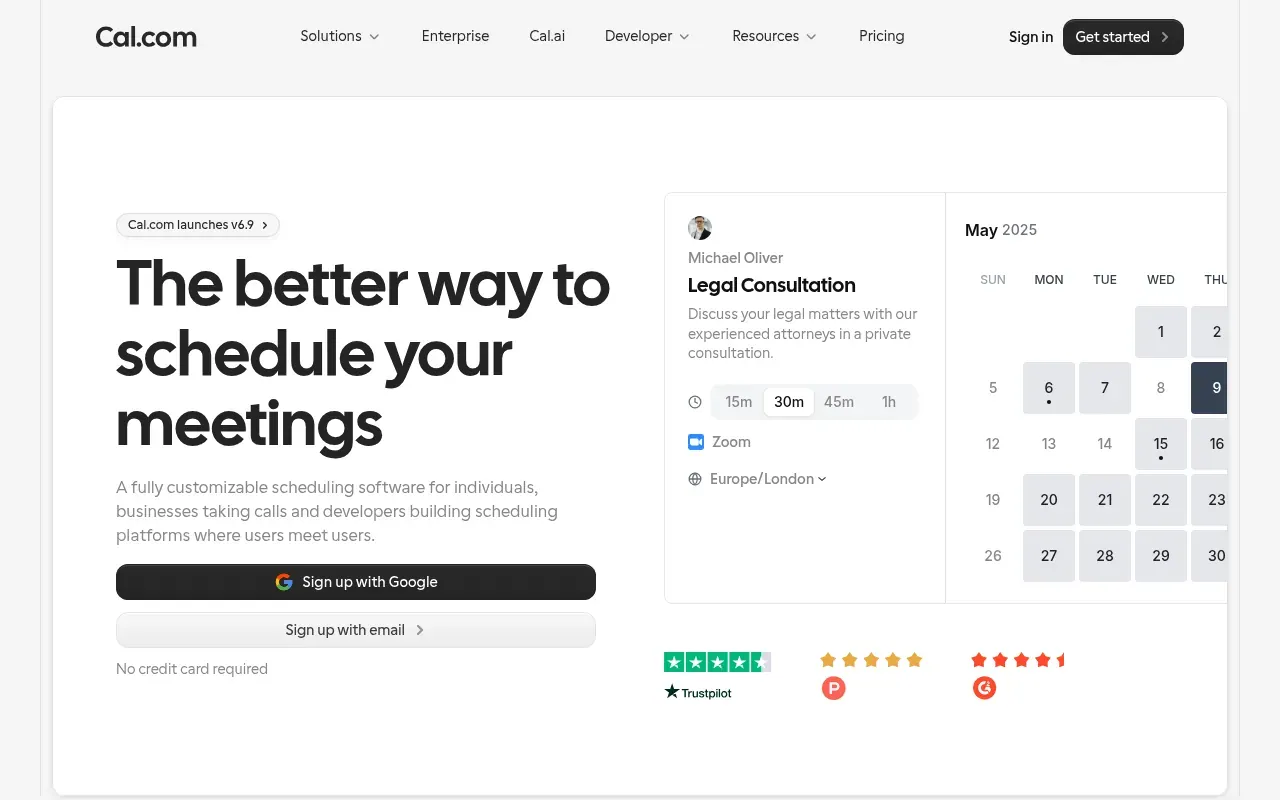
Scheduling software for online bookings
A fully customizable scheduling software for individuals, businesses, and developers to manage meetings and bookings with calendar integration.
Questions answered
- What happens to my bookings when I set myself as Out of Office?
- When you enable the OOO feature, any new booking requests during your unavailable time will be automatically blocked or redirected based on your preferences. Existing bookings within that period will remain, but you can choose to reschedule or cancel them.
- Will my team members be notified if I set myself as OOO?
- Yes, you can enable automatic notifications for your team. This ensures they are aware of your availability and can adjust their workflows accordingly.
- What happens if I forget to turn off the OOO setting when I return?
- The OOO feature allows you to set an automatic end date and time. Once that period ends, your availability will be restored automatically, so there's no risk of forgetting.
- Can I redirect bookings to a colleague while I'm OOO?
- Absolutely! You can set up booking redirection to another team member or resource during your OOO period. This ensures your clients or team members are still taken care of.
- How will my clients know when I'm back?
- You can include a return date in your OOO message or enable automatic email notifications to inform clients of your availability once you're back.
Related coverage: alternatives to Cal.com®
 Raindrop.ioAll-in-one bookmark manager
 LogseqA privacy-first, open-source knowledge base
 Zinn Hub
 Zinn Digital®
 PBN LTD